Cross-platform handoffs
Hand off work between trusted messaging workspaces with AgentConnect. Link the requester's identity, check access, and keep sessions and audiences separate.
Use this pattern only when both the source and destination are messaging workspaces you trust. You should control or explicitly approve both environments, know who can read the destination, and accept its security and retention rules.
Trust boundary: Connecting an agent to two platforms lets it move content between them, but it doesn't make an external customer, partner, or community workspace trusted. If either side isn't approved for that information, send a one-time reviewed and redacted message instead.
Here, workspace refers to a Slack workspace, Discord server, Lark / Feishu tenant, or known Telegram group or chat, not the agent's code workspace.
One agent can start a conversation on one platform, post a focused handoff in another trusted workspace, and later report the outcome back. This isn't a live mirror: each platform keeps its own thread, session, and audience.
Handoffs only work when AgentConnect can identify the requester. The person asking must be recognized as a member of your organization through a chat account linked under Your profile → Sign-in methods, and the agent only posts where that person could post themselves. On AgentConnect Cloud, that means asking from Slack with a linked Slack account. You can't hand off from Telegram or Discord into Slack or Lark / Feishu, because AgentConnect can't verify who someone is on Telegram or Discord. See Reading and posting in other conversations.
Before you start
You need:
- One online agent connected to both messaging platforms
- Two workspaces approved to exchange the information
- A linked chat account to request the handoff from (on AgentConnect Cloud, your Slack account under Your profile → Sign-in methods)
- A destination you could post in yourself. On platforms where you linked an account, access is checked against that account. On platforms where accounts can't be linked (such as Telegram and Discord), the agent must already have a session in that conversation that you can open under Sessions.
- A bot that can post in the destination conversation
- A clear rule for what is allowed to leave the source
The same agent handles both sides. When two different agents split the work, use agent-to-agent delegation instead.
1. Connect both platforms
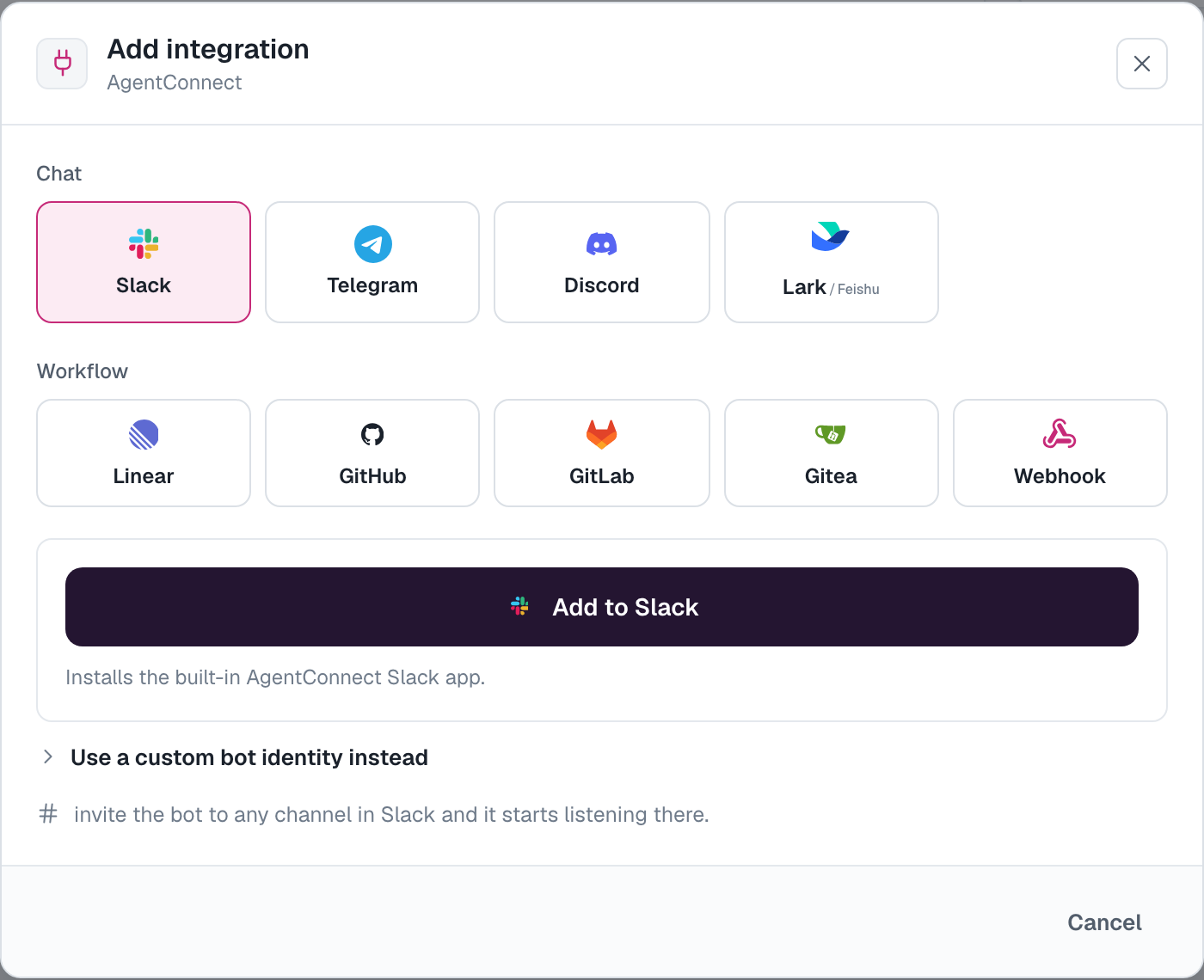
Open the agent and add each chat integration under Integrations. Invite or add the destination bot only to the channels or chats it should reach.
Before your first handoff, verify the destination workspace, server, or tenant under Integrations → Messaging apps. A familiar channel name isn't enough, since two workspaces can both have #incidents.
2. Confirm the destination
Ask the agent to list the destinations it can reach before sending anything:
List the incident channels you can reach through our approved internal bots.
Do not send a message yet.
On platforms where you don't have a linked account (such as Telegram or Discord), the agent only posts into conversations where it already has a session you can open, and Telegram bots only list chats the agent has already seen. Mention the bot in the destination chat first. On every platform, the bot also needs permission to view and post there.
3. Start a focused handoff
From Slack, state the trusted destination and exactly what may be shared:
Hand this incident off to #incidents on our approved Discord server.

- Post a new top-level message.
- Include the symptoms, what I already tried, and the open question.
- Do not copy names, credentials, or unrelated messages from this DM.
- Ask the team for a decision.
- When they reply, send a concise result back here.
A new top-level destination message creates a linked destination session. Teammates can reply there, and the agent can report the requested outcome back to the source. Posting into an unrelated existing thread doesn't create the same clear handoff boundary.
4. Make the rule reusable
If handoffs are routine, add a short policy to the agent's Description:
When moving work between messaging platforms:
1. Use only approved workspaces.
2. Stop and ask if the destination cannot be verified.
3. Share a concise handoff, not the full source transcript.
4. Never copy secrets or private-message details without approval.
5. Keep the source and destination as separate conversations.
6. Report only the requested result back to the source.
What stays separate
- Trust: the bot's reach doesn't make every workspace or participant approved.
- Sessions: source and destination remain separate, linked sessions.
- Access: each platform enforces its own bot and conversation permissions, and the agent only reads and posts where the requester could.
- Threads: replies stay where they were written unless the agent explicitly reports back.
- Identity: an account on one platform counts as the same person on another only when both accounts are linked to the same AgentConnect profile.
Good handoffs move an internal incident between trusted team workspaces, escalate a DM into a team channel, or publish an approved summary. Avoid routine handoffs across different trust levels and avoid automatic two-way mirroring, which leads to duplicate messages, unclear ownership, and disclosure risk.
See Integrations overview to connect platforms and Sessions to inspect each side.
How is this guide?