Chat platforms
Connect AgentConnect agents to Slack, Teams, Google Chat, Discord, Telegram, Lark, WeCom, and more. Set up bots, discover conversations, and choose reply rules.
Connect agents to Slack, Microsoft Teams, Google Chat, Discord, Telegram, Lark / Feishu, DingTalk, WeCom, or WeChat. Self-hosted deployments can also connect QQ. Each integration binds an agent to a bot and a set of conversations.
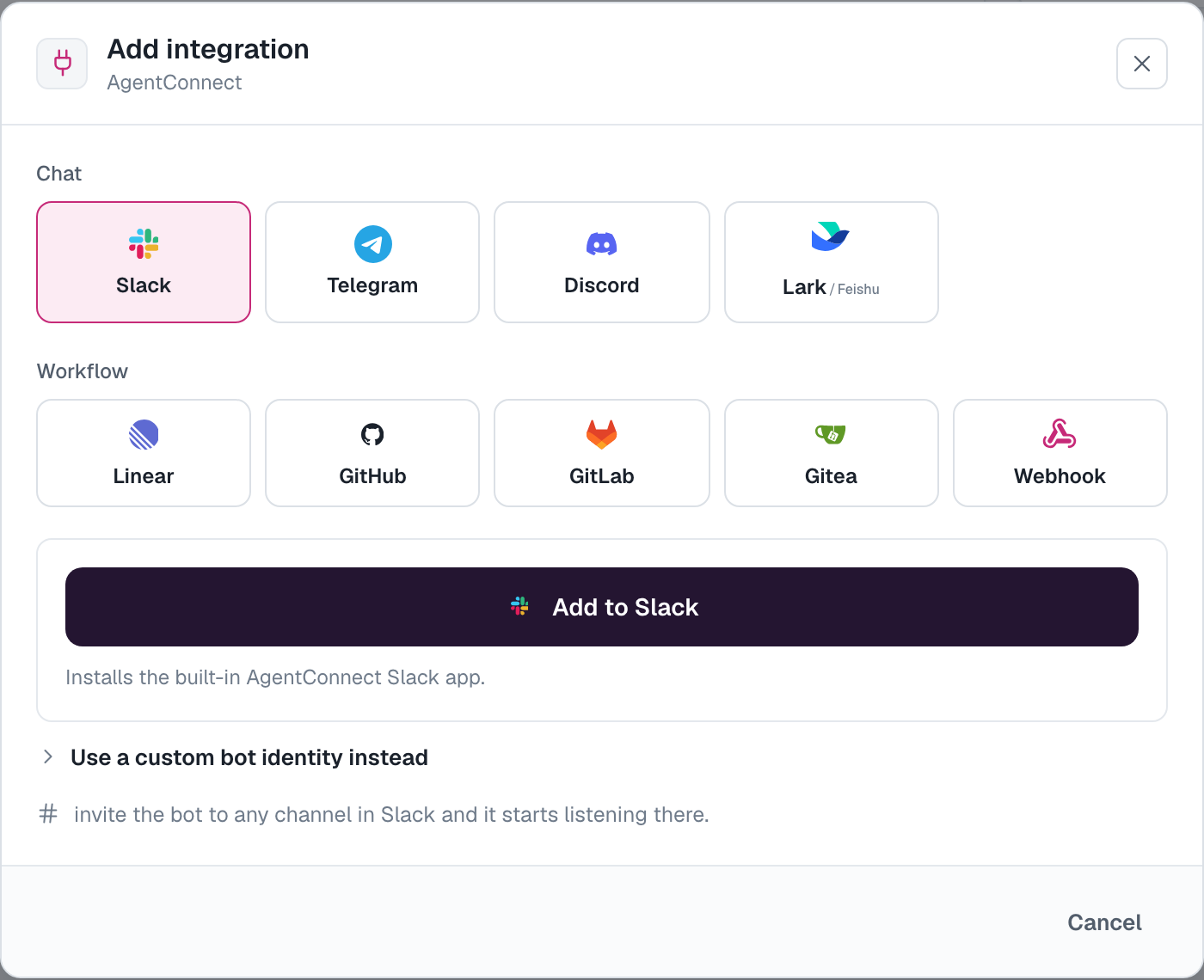
On AgentConnect Cloud, Slack uses the built-in Add to Slack flow. Lark / Feishu also offers a recommended one-click setup, and Microsoft Teams connects through an administrator sign-in. Google Chat, Discord, Telegram, DingTalk, WeCom, and QQ require credentials from their own platforms, while WeChat connects by scanning a QR code.
See Bots for reusable bot identities and shared-bot routing. For a multi-agent example, see One Slack app with different agents by channel.
Manage conversations
Once a bot discovers a channel, group, or direct message, that conversation appears on the agent's integration card. Channels and groups can respond to mentions only, to all messages, or stay Off. Each one-to-one direct message has its own On / Off toggle for that agent: it starts On for agents visible to Everyone, and Off for restricted agents.
Turning a conversation Off mutes inbound triggers without removing the bot or blocking outbound work such as schedules and agent handoffs. To remove the bot from a conversation, manage its membership on the chat platform.
How is this guide?